Tuesday, 3 February 2015

My digipack Ideas

Recently I have had to start to think about my potential digipack for my music video. I have done a small piece of research into EDM digipacks and as looked at before they're usually rather simple, as they can be quite broad and unspecific as they don't often relate heavily to something.

https://www.blogger.com/blogger.g?blogID=5825104187483066003#editor/target=post;postID=8615075836754509819;onPublishedMenu=allposts;onClosedMenu=allposts;postNum=27;src=postname

I have a few ideas of what I would like my digipack to look like. I believe that certain albums such as Alesso's album can act as a guide as it has a similar colouring to mine, and is of the same music genre. Furthermore its very slick and simple making it catch the eye of consumers as they attract to something of good quality, and not too complex.


The pictures that I'm going to be using for my digipack are coming from screen shots of the filming shots I took, when I was filming, some of these are in my music video. So why use screen shots?

  • It can relate to my music video, so has something in common.
  • Its simple to do, and would be a quick process.
  • The effects I can add to the clips are interesting and make the album interesting.
However one issue is that it could slightly knock back the quality of the digipack as screen shots wouldn't be of the same quality of pictures.

For the colouring of my digipack I will use the colouring of black and white as its the same effect of my music video, so can it relates to my song. Furthermore it makes the album seem vintage which can make it unique to some, and attract them to the album.

In the album I will also include a small message to the consumers, and names of other tracks that will be on the album, to make it seem like a real album.

I've came up with two ideas for my digipack. One idea is more simplistic using standard pictures in the black and white effect, surrounded by black border, which makes the picture stands out. The other idea is to have the picture in a pencil drawing like effect, surrounded by a white boarder. By having two ideas it can allow me to come up with more creative ideas, and maximise my digipack potential.



Monday, 2 February 2015

Music video and lip syncing

Lip syncing is the ability to match lip movements with the actual words/noise which is being projected, so it does not involve the individual who is lip syncing to make any noise.

I find my song to be unique. I would have to classify it as being in the EDM genre, where usually these genre of songs focus on the musical beat rather than lyrics. Therefore the song I used had a very limited amount of lyrics being sung. When lyrics were sung they were usually repetitive, such as 'go insane'.  This meant that lip syncing was not so critical in my music video as there is not a lot of it, however its still important that it looks good to keep the music video of high quality, looking professional.

So what was the lip syncing in my music video like? The word inconsistent comes to mind. This is because there are times where my actors managed lip sync well as they opened their moves widely making it look like it is them actually singing, and times when they did not. This was a slight problem as it looks as if they are mumbling and not actually singing. This is quite evident at the beginning of my music video, where some of the shots do not have very good lip syncing.

Overall I have managed to edit my music video so that parts of clips where the lip syncing is of very low quality have been removed, leaving behind the better quality parts. Lip syncing has proven not be such a problem due to the very few lyrics in my song choice. However if a song with more lyrics was chosen it would have been more of an issue.

Monday, 19 January 2015

Filming Process - 2

After filming a majority of clips for my music video on the first attempt, I have now almost edited them all. Therefore I had to set out to film again, to capture all the clips needed. My second outing of filming took place on January 11th, and we set out at about 12pm. We filmed around an urban area, my local town Potters bar, filming for about an hour.

Filming here on a sunday was practical, as its not a very busy area, meaning there was not too many distractions so we filmed relatively fast, without the actors made to feel awkward in any way.

However one issue we faced this time out was the weather conditions. It was rather windy out which meant some clips were deleted as the wind made certain shots look amateur, moreover the actors were complaining of the cold.

Overall I believe that the filming process went reasonably well as we managed to get some good, unique shots/clips, however in future I believe I could plan in more detail for each shot which will improve the quality and understanding of what the shots are trying to represent.

Wednesday, 10 December 2014

Editing - 'Black and White'

As previously expressed in my previous posts one of the key aspects of my music video was going to be the visual effect of having my video in an negative/infra-red like effect, throughout the music video. I took inspiration from video such as Coldplays 'midnight' as I thought it was unique to see something in a different perspective. However the effect of negative didn't look very good on my music video, for a number of reasons. This includes:


  • Hard to see the characters
  • Hard to see the general setting
  • Lip syncing is not effective
Therefore I have had to come up with a solution to make my video still visual impacting, providing something different, in a way in which we can still make out the characters and setting. So far I have decided to make my video in black and white, and I believe it looks good. In addition the darkness creates a sense of mystery and confusion, which goes well with my song as its quite unusual, and perhaps dark/confusing. 


Editing - Problems and challanges

Since starting my editing process I have came across a few problems not just with the software but also my actual work. The problems with the software are minor and do have a way round them with a bit of work. This can include placing clips in a certain place, but then they move. This can be irritating as the clip won't be where I want them. However by using different tools in the programme there is a way to place clips where you want. Furthermore another problem that has occurred within the class to do with the software is that its new to our school, so were not as confident using it compared to last year, when ourselves and the teachers new almost everything about it, making editing a smooth procedure. This can be seen as sometimes other members of my class believe that their work has disappeared, when actually it is not, but rather were not aware of how to get it up. Despite concerns regarding the software, one of the main ones have also concerned my editing. For example I originally was not cutting my clips to the beat, making my video appear to be slightly longer than need in certain areas. However I changed my clip arrangement, making it fit into the beat, and it now does look better. The final challenge which I have faced with editing my clips is that I originally had the idea that it would all be in a negative type effect, but this has not looked very good. Therefore I have to come up with a another idea as to make my video visually impacting.


Monday, 1 December 2014

Editing (starting)

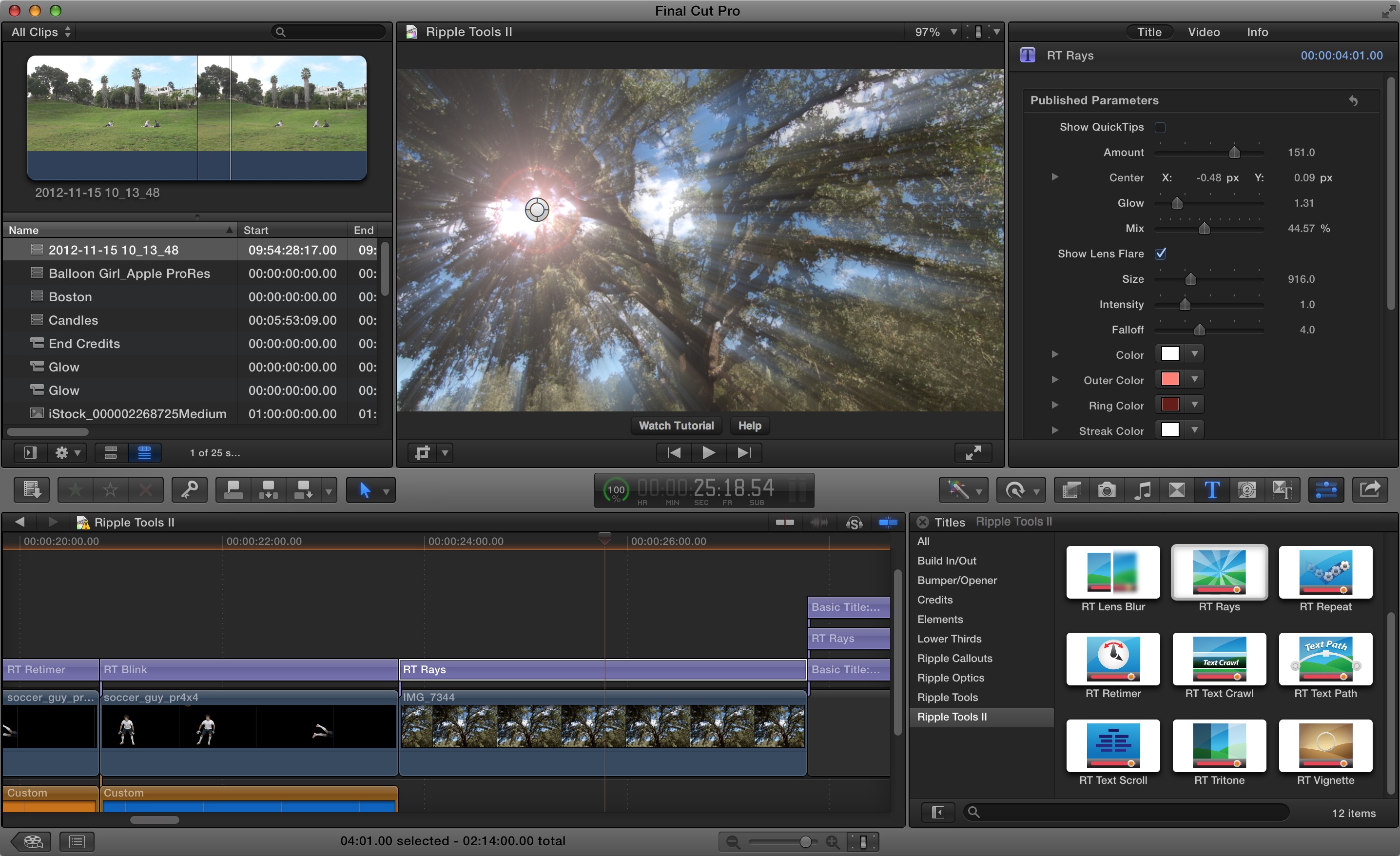
Now that I have filmed a majority of my film I have started to edit my music video. The soft-ware which we are using to edit our music video is 'final cut pro X'.

This is an updated version of what I used last year to edit my short film intro. It is slightly different compared to last year, and I will laster make a comparison post. Therefore at first my editing was a bit all over the place as I didn't really understand the software. However recently as I have begun to understand the software it has been easier for me to edit.

On the software so far, I have uploaded all of my clips, and from then on I followed my story board placing all the clips in order, cutting and editing them. For example clips had to be cut down to the right time, and on all clips the 'black and white' effect was added. Another aspect of editing what I have had to deal with is try to lip sync my clips of the audio track, which has proven to been quite difficult, but with good time has improved. I have edited about 1 minute of my music video. 

Filming process - 1

The filming of my film took place on sunday the 9th of November. The conditions for filming were ok, as it was mild and not wet, however there was a lack of atmosphere, which could of added to my music video. The location was practical as it would include my garden, and a local forest, just behind my house so getting to and back from the location was no hassle, as well as meaning we could efficiently film as its a known location for me.

Due to a delay we started filming slightly later than planned, at 12. As one actor was not present until the afternoon we decided to take all the shots which only included the female character. We took these shots fairly quickly and smoothly.

Later on in the afternoon the second actor arrived, who will be playing the monster. We took a minute walk into the woods, to where we will be filming. Here the filming was slightly more difficult due to the complexity of some shots. In addition I could have planned the location within the woods slightly better.

After filming for a few hours we got to film most shots, but not all. I plan to spend a little bit more time to capture all the shots.